

One line counts.
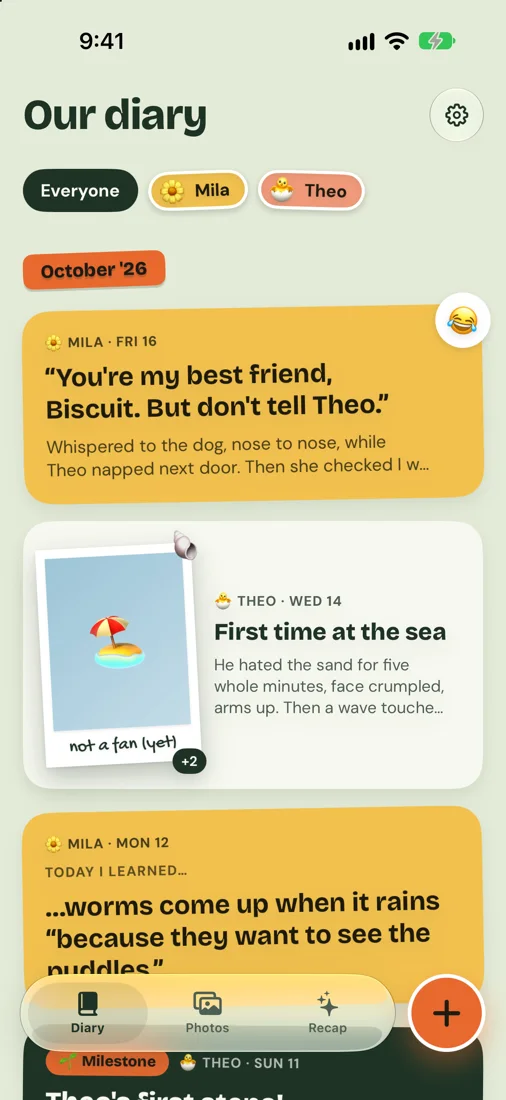
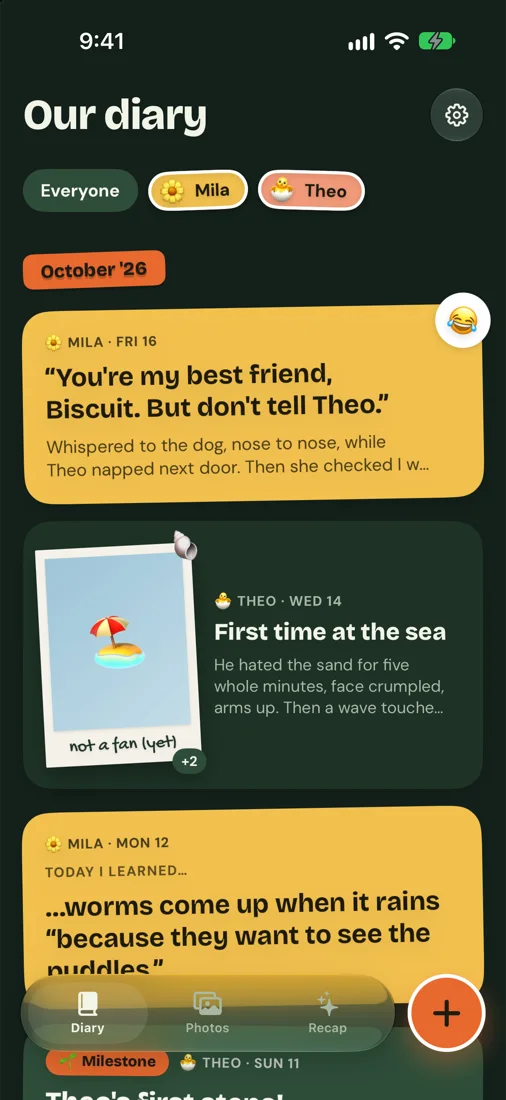
Kids say the best things at the worst times. Sprout Diary opens straight to the keyboard, so you can type what she said while you still remember the exact words. A post takes ten seconds.
Catch the funny lines, small wins and first times in about ten seconds. Add a photo and it prints as a polaroid. Everything lives in your own iCloud.

for iPhone, no sign-up
See it

Why it works
Kids say the best things at the worst times. Sprout Diary opens straight to the keyboard, so you can type what she said while you still remember the exact words. A post takes ten seconds.
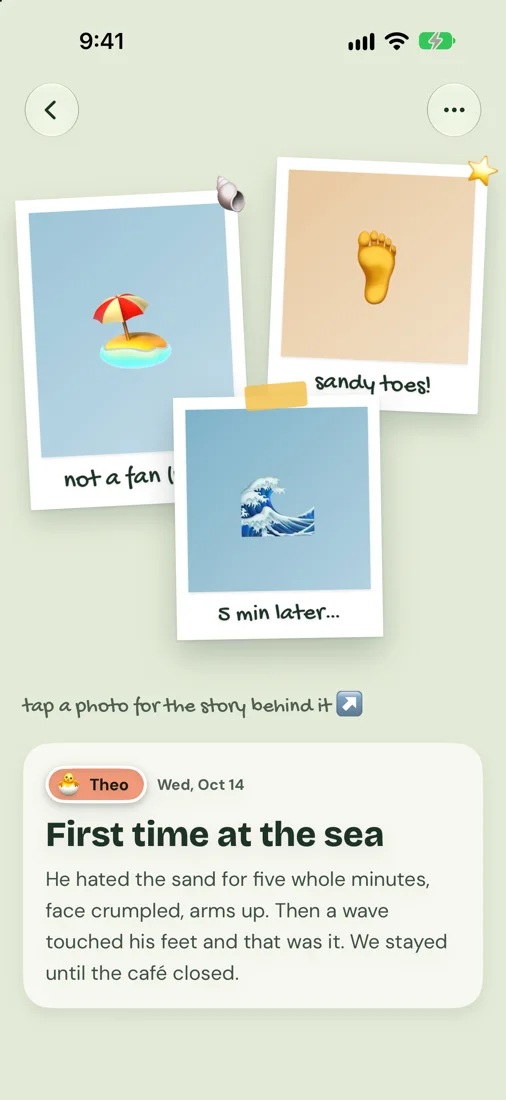
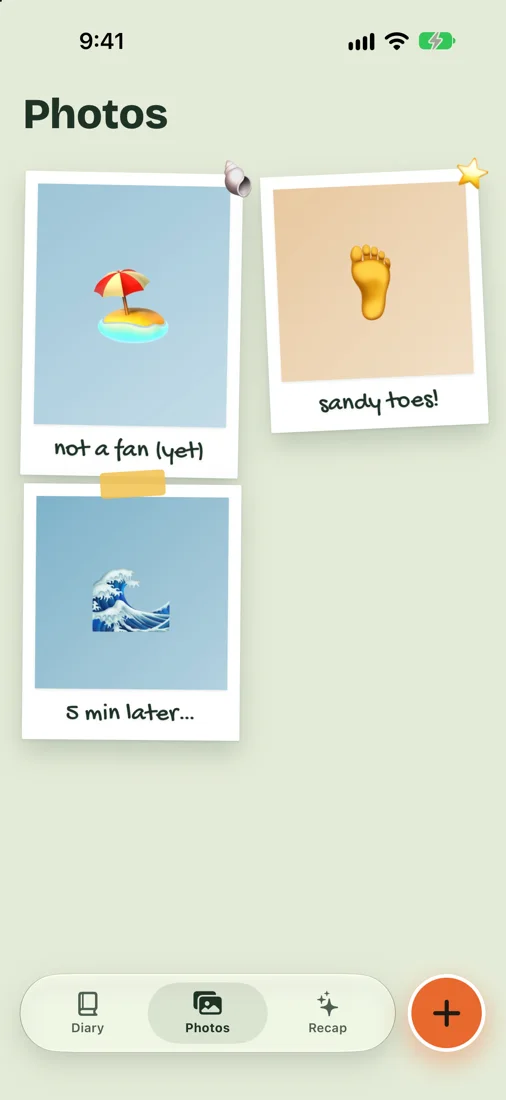
Every photo prints as a polaroid with a handwritten caption. Tap it next year and read what happened right after: who laughed, who cried, who refused to leave the beach.
No account, no login, no company server holding your kids' photos. Your diary sits in your own iCloud as plain files, and you can export every bit of it whenever you like.
Turn a month, a year or only the milestones into a photobook or a PDF. Pages come out laid out like a scrapbook and ready for any print shop.
Make it yours
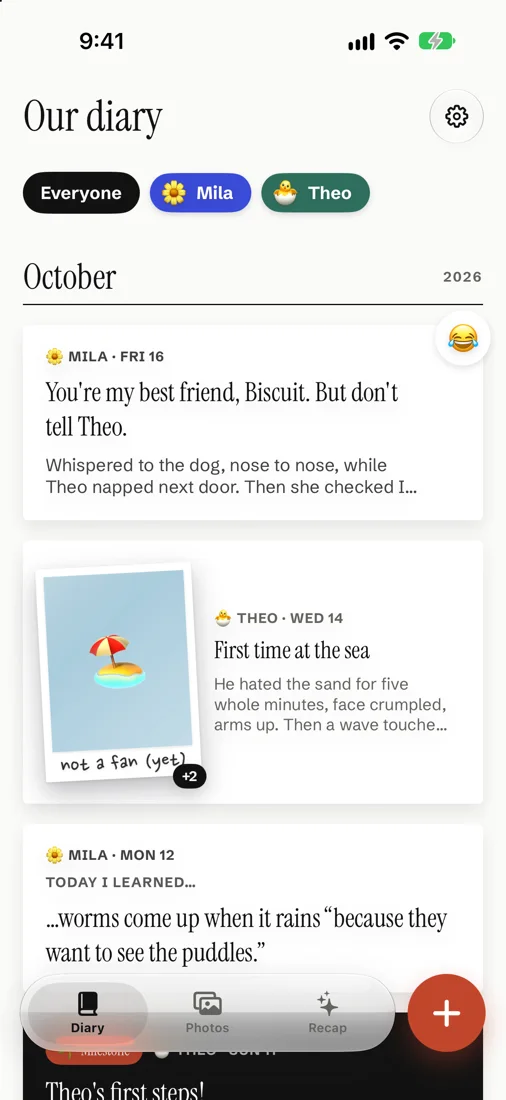
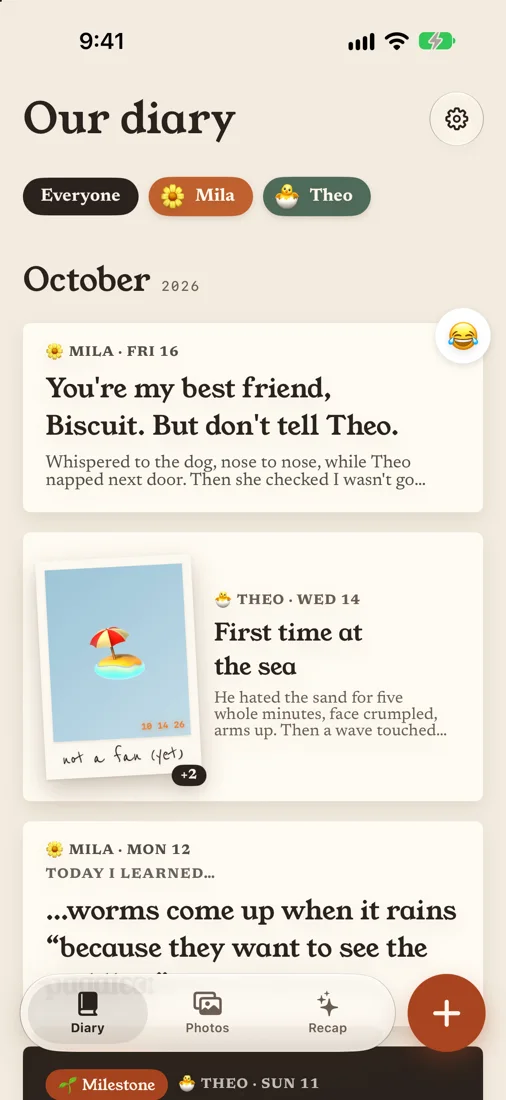
Switch themes any time and every post, print and page follows along. More themes are on the way.
Print it
What's inside
Captions in handwriting, the story behind each photo, and a sticker if you like.
No photo needed. A quote fills the page in your child's color.
From “Today I learned” to “Letter to my child”, for the days you don't know what to write.
Mark the big ones and find them again in your monthly recap.
Two quick questions: what did they try today, and what's next.
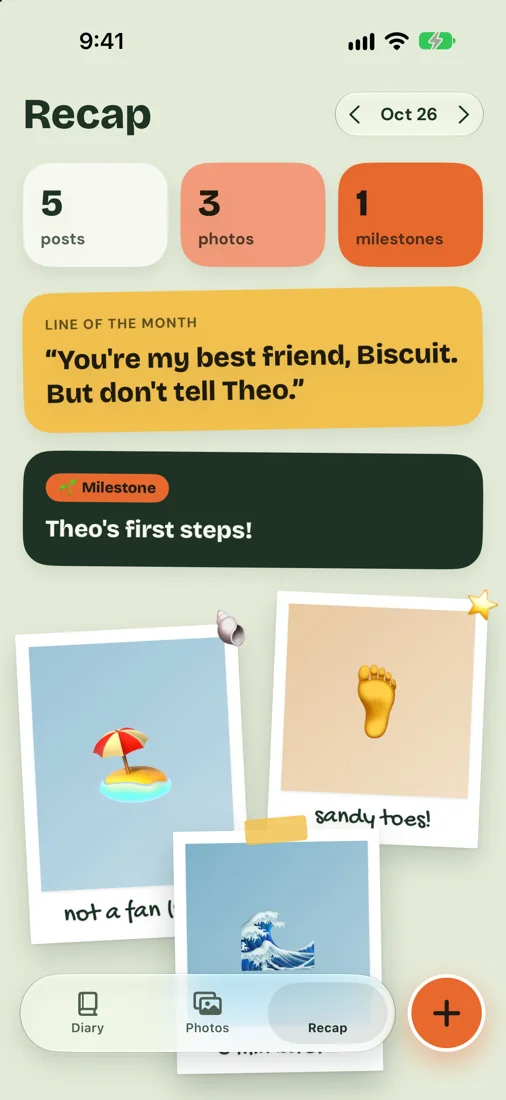
Counts, the line of the month, milestones and “on this day”.
One daily reminder, skipped on days you already wrote.
Sticker Club, Gallery and Darkroom, in light and dark mode.
Print-ready pages, made on your phone.
Your diary lives in your own iCloud. Export a full backup any time.
Free tools
Make this month's photo card, ask tonight's question, check this age's milestones. Free, in your browser, nothing uploaded.
Make a cute “4 months old” card for this month's photo.
Open the tool →every few monthsSee what the CDC lists for your child's age, with a printable checklist.
Open the tool →every dayOne fun question to ask your kid tonight. Write down the answer.
Open the tool →every birthdayThe same 20 questions every birthday. Print it and compare years.
Open the tool →every birthdayWrite a letter they'll read when they're older, one prompt at a time.
Open the tool →whenever they say itTurn the funny thing they said into a polaroid card to share.
Open the tool →anytimeHow old is your baby in weeks, months and days, plus what's next.
Open the tool →Pass the phone: tic-tac-toe, memory match, connect four, charades and more.
Plus practical guides for parents: questions to ask, letters to write, photos to take.
Questions
No. Download the app and start writing. There's no email, password or sign-up.
Yes. Start one family diary and invite anyone with an iPhone. Everyone posts into the same diary, like a shared family album, and one Pro plan covers the whole family.
In iCloud, in the diary owner's account, shared only with the people they invite. A copy stays on each iPhone too. We don't run a server that stores your diary.
Sign in with the same Apple ID and your diary comes back from iCloud. You can also save a full zip backup anywhere you like.
Yes. Export a photobook (8 × 8 inches, with print bleed) or a journal PDF in Letter or A4, then send it to any print shop.
We're building it next. It will keep your diary in your own Google Drive, with the same no-account approach.
You can start writing right away. Sprout Diary Pro unlocks unlimited photos, photobooks, every theme and template. The diary owner picks a monthly, yearly or one-time lifetime plan, and it covers everyone in the family diary.
future you will be so glad you did

